 Pay My Bills
 Report a Problem
 Start / Stop/ Move Service
 Business
 Contact Us
 Careers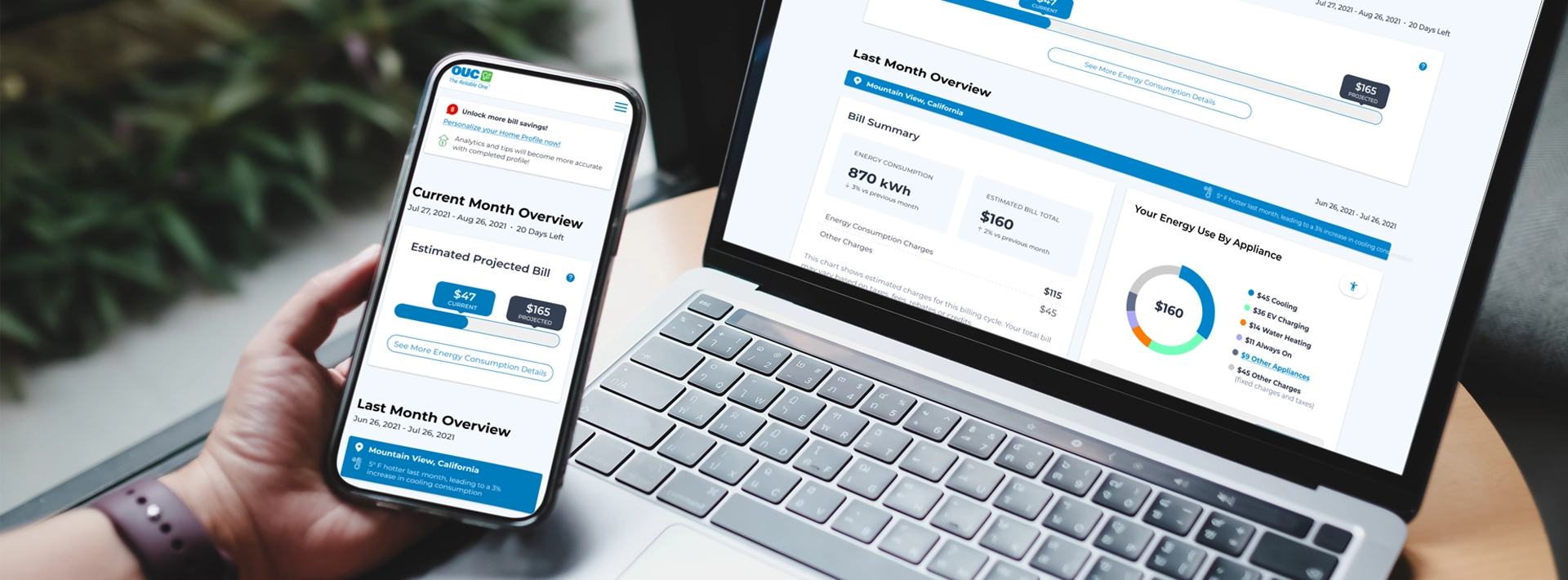
My OUC Energy Coach
Take the guesswork out of your bill. See what appliances are consuming the most energy, get an estimate of what your upcoming bill may be, and get notified if your consumption is trending higher than normal.
My OUC Energy Coach is a free online tool available through your myOUC account. It turns your energy consumption data into clear, actionable insights and proactive alerts so you can stay informed every day of your billing cycle.
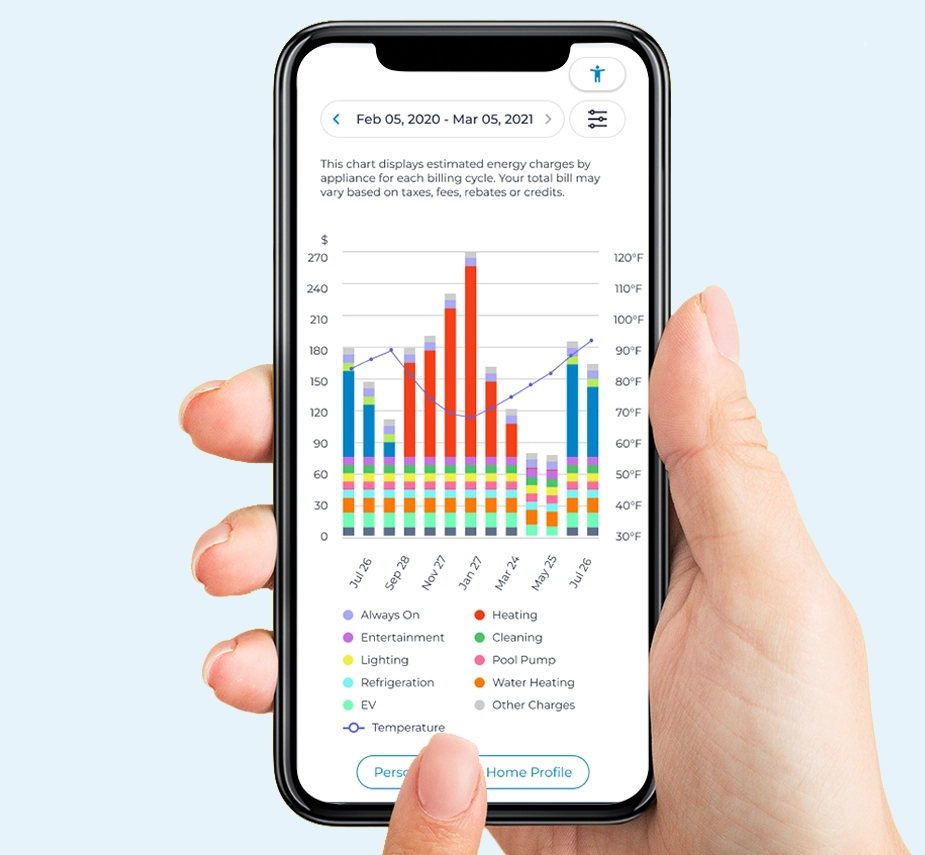
Get Appliance-Level Energy Breakdowns
See a breakdown of how your energy is being consumed across appliances — like your air conditioner, clothes dryer or water heater. This helps you identify which areas may offer the greatest opportunity for savings.
Plan Ahead with Energy Bill Alerts
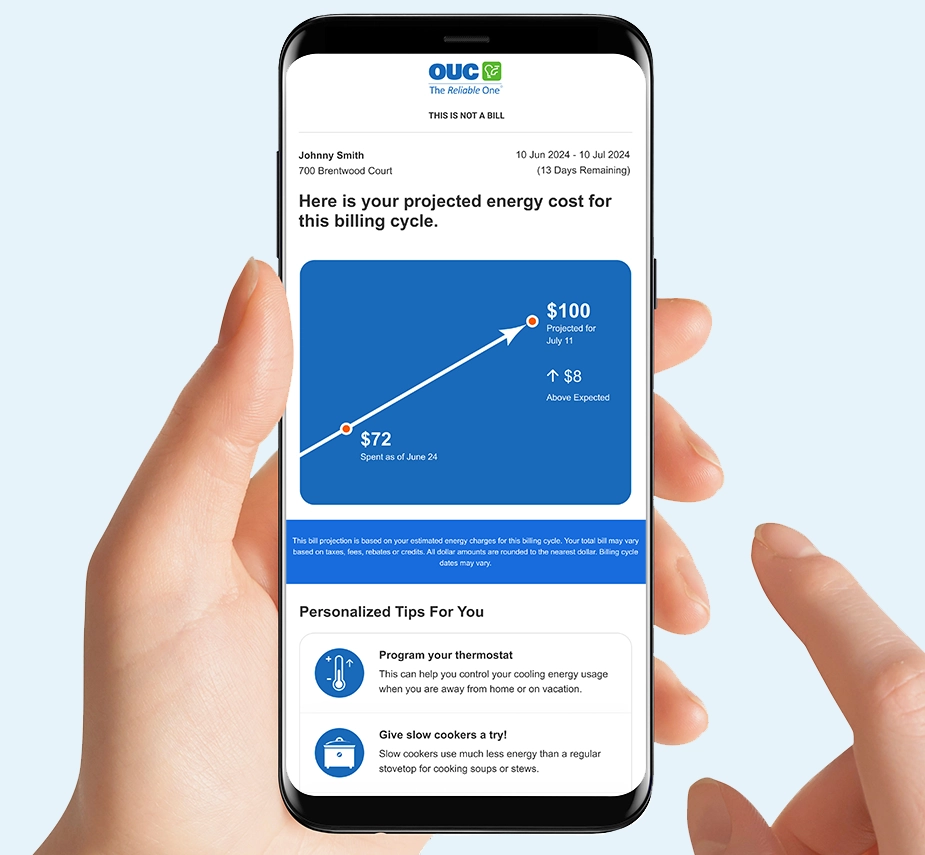
Each month, midway through your billing cycle, you’ll get a Bill Projection Alert that reflects your energy consumption to date and estimates your upcoming bill amount.
You’ll also receive a High Bill Alert if your energy consumption increases significantly compared to your normal pattern.
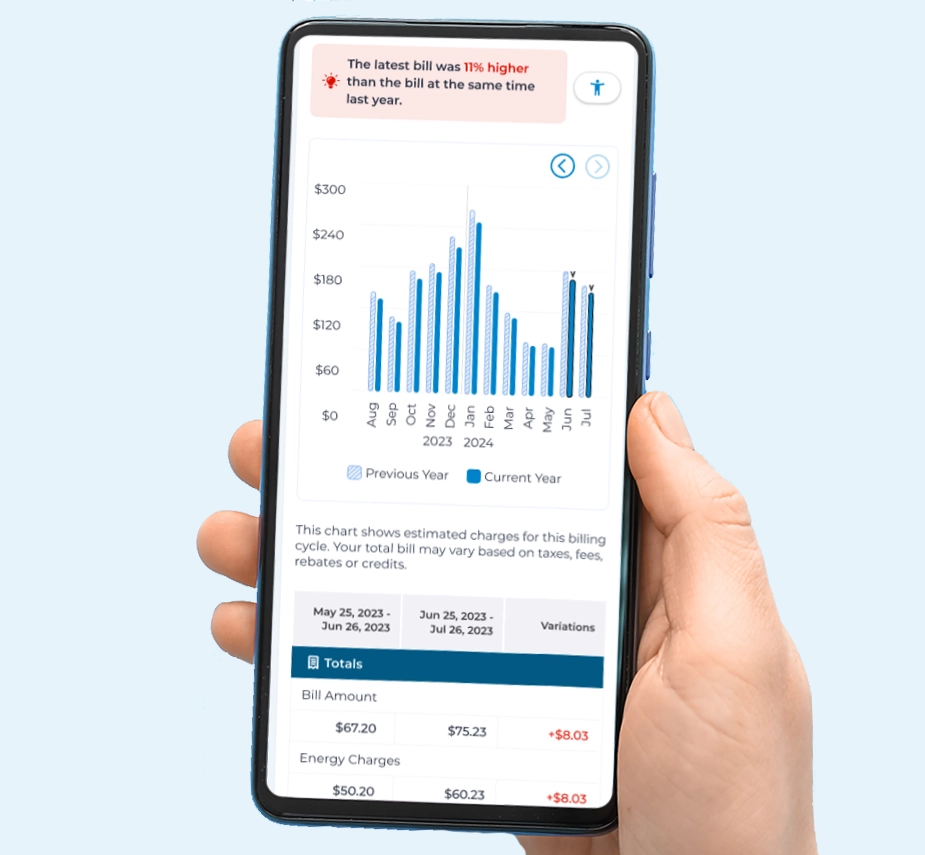
Reduce Guesswork And Gain Transparency
Compare your current bill to the previous month or the same period last year to see how your energy consumption and charges have changed over time. You’ll see how factors like weather can have a big impact on your bill.
Get the Most Out of My OUC Energy Coach
The appliance breakdown, comparisons and recommendations are only as accurate as the information in your profile. Completing the Home Profile Survey within My OUC Energy Coach allows the system to tailor insights specifically to your home, so you can receive:
- A more accurate appliance-level breakdown
- Personalized conservation recommendations – not just general advice
- More accurate comparisons to similar homes, letting you see whether your energy consumption is typical, higher or lower than similar properties
If you install new major appliances or equipment, upgrade systems or the number of residents in your home changes, update your profile to keep your insights accurate.
Frequently Asked Questions
How can I access My OUC Energy Coach?
Log in to your myOUC online account and click the “My OUC Energy Coach” button in the Account Summary page to get started. You can also access the tool directly from your Energy Bill Alert emails.
Who has access to My OUC Energy Coach?
My OUC Energy Coach is available to OUC residential customers with electric service. Solar PV customers will gain access to the web portal Fall 2026.
OUC Power Pass (prepay) customers do not have access to the web portal and are not eligible for Energy Bill Alerts via this tool. Power Pass customers should continue using their current portal and alerts to stay up to date on their usage. My OUC Energy Coach is not available to prepay customers because pay-as-you-go usage and account balance are tracked in real time.
Do I have to complete the profile survey?
No, you do not have to complete the survey, but your insights will be more accurate if you do. The platform uses your responses to better estimate appliance energy consumption, which in turn gives you more accurate conservation recommendations. Residential customers will also be able to make better use of the Similar Homes Comparison tool.
How often should I update My Home Profile?
We recommend you update your profile if you install any new major appliance, the number of residents in your home changes, or you make other changes that could impact energy use.
How does OUC know how much energy each of my appliances consumes?
Each appliance uses electricity in a unique manner. Think of it like a fingerprint. My OUC Energy Coach uses software that analyzes patterns in your energy consumption data and can detect and extract these “fingerprints.” It then converts the data into useful insights and recommendations.
These are data-driven estimates and not exact appliance readings. OUC does not monitor individual appliances directly.
My Actual bill does not match the bill amount I see in the portal. Why?
The bill amount shown in My OUC Energy Coach is an estimate. It reflects your expected charges based on your energy or water consumption along with applicable service charges and taxes. Your total bill may vary based on taxes, fees, rebates, credits or other bill adjustments.
If you’re enrolled in Budget Billing, My OUC Energy Coach will display your actual consumption-based bill rather than your monthly Budget Billing amount. This may create a difference between what you see online and what appears on your bill statement.
Will this tool change my bill amount or delivery method?
No, this tool provides insight into your energy consumption. It does not alter your rates, billing structure or bill delivery method.
How can I enroll in the Projected Energy Bill and High Energy Bill alerts?
Note: Bill Projection Alert and High Bill Alerts are only available to residential customers with electric service.
Residential customers with electric service who have an active myOUC account are automatically enrolled in Bill Projection Alerts and High Bill Alert emails using the email address associated with their myOUC account.
How do Bill Projection alerts work?
These mid-cycle bill projections notify you of your energy costs up to that point and estimate your total bill at the end of the cycle based on your current consumption pattern. They also show you how much higher than projected the bill amount would be compared to your normal bill and how many days are left in the current bill cycle.
What triggers a High Bill alert?
A High Bill Alert is sent when your projected bill is 1.5x your expected amount. A second alert is sent when your projected bill is 2x your expected amount.
What happens if I unsubscribe from these energy bill alerts?
Unsubscribing from these alerts will not unsubscribe you from other OUC communications or alerts.
How can I change the email address my alerts are sent to?
Your alerts are sent to the email you use for your myOUC account. If you update your primary email in myOUC, your My OUC Energy Coach alerts will automatically be sent to the new email address.
What if I own multiple properties? Can I get alerts for each one?
Yes, you can get Energy Bill Alerts for each property. To do this, log in to your myOUC account and select the property you would like to receive alerts for in your Account Summary page. Then, access My OUC Energy Coach and click on the “hamburger menu” (☰) icon to visit the Preferences page.
Once there, you can manage your alert preferences for that individual property. Repeat this for each property you own if you’d like to enroll in alerts for more than one property.
What if I only receive water services from OUC?
OUC residential customers who only receive water service can still access My OUC Energy Coach in their myOUC accounts. You will be able to see your consumption history month-by-month, receive water-saving conservation tips, and see how your consumption pattern compares to similar homes in your area.
How are personalized recommendations generated?
My OUC Energy Coach uses software that analyzes your household’s energy consumption patterns and breaks down your consumption into 12 major appliance categories. This lets OUC identify opportunities to save energy specific to your property.
What data is being used and how is it protected?
My OUC Energy Coach uses the energy consumption data from your AMI smart meter and contact information necessary for account setup. This data helps us generate personalized insights and recommendations. Your information is protected using industry-standard security measures and is not sold to third parties. Please see OUC’s Privacy Policy for more details.
Related Content

About Electric Demand
Electric demand is the total amount of electricity you use in any one moment, whether inside or outside your home.

OUC Rebates
Get money back on your utility bill for making high-efficiency upgrades to your home or business.
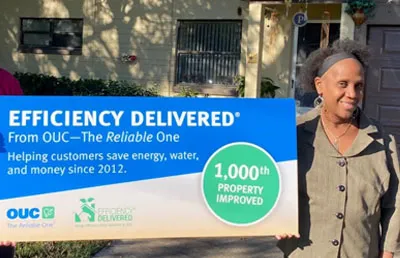
Efficiency Delivered®
Efficiency Delivered® makes home improvements more accessible by offering up to $2,500 in energy and water-saving home upgrades.

Conservation Audits
A free energy and/or water assessment from an OUC conservation specialist can help you identify ways to lower your bills.
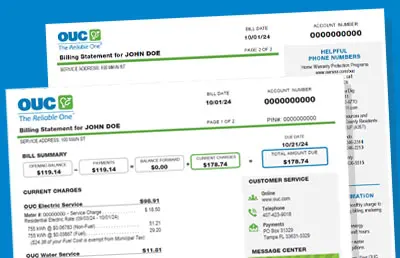
Understanding My Bill
Our sample bill can help explain all the details on your utility bill, so you know exactly what you’re paying for every month.